01
Start with today.
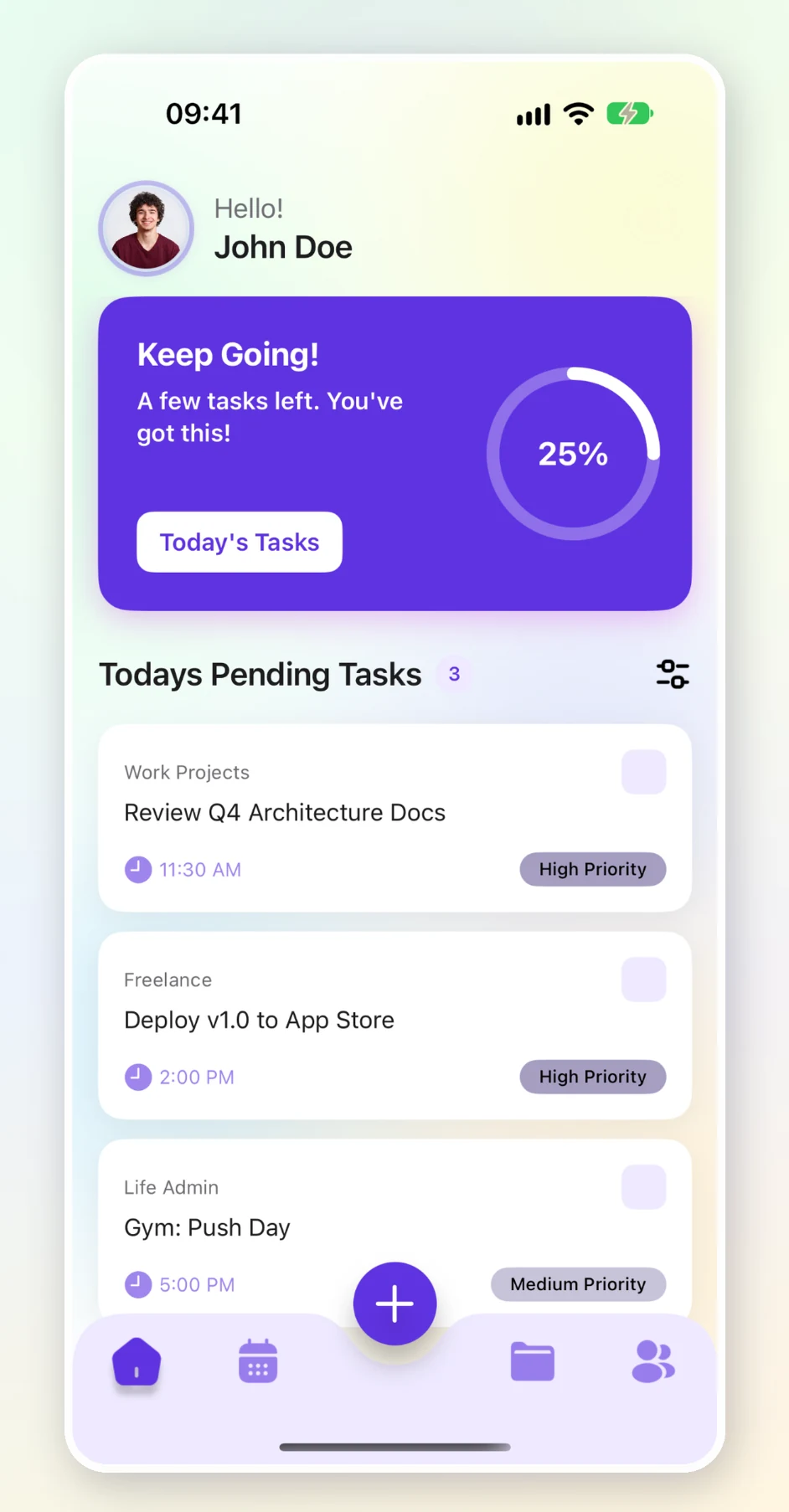
See today's progress, pending tasks, and what needs your attention.
Explore featureBring your tasks, plans, and progress together in one calm, organized space.
Create groups that fit your life, plan the days ahead, and keep track of what matters next.
Four thoughtful tools to help you organize your day and keep your plans moving.
See today's progress, pending tasks, and what needs your attention.
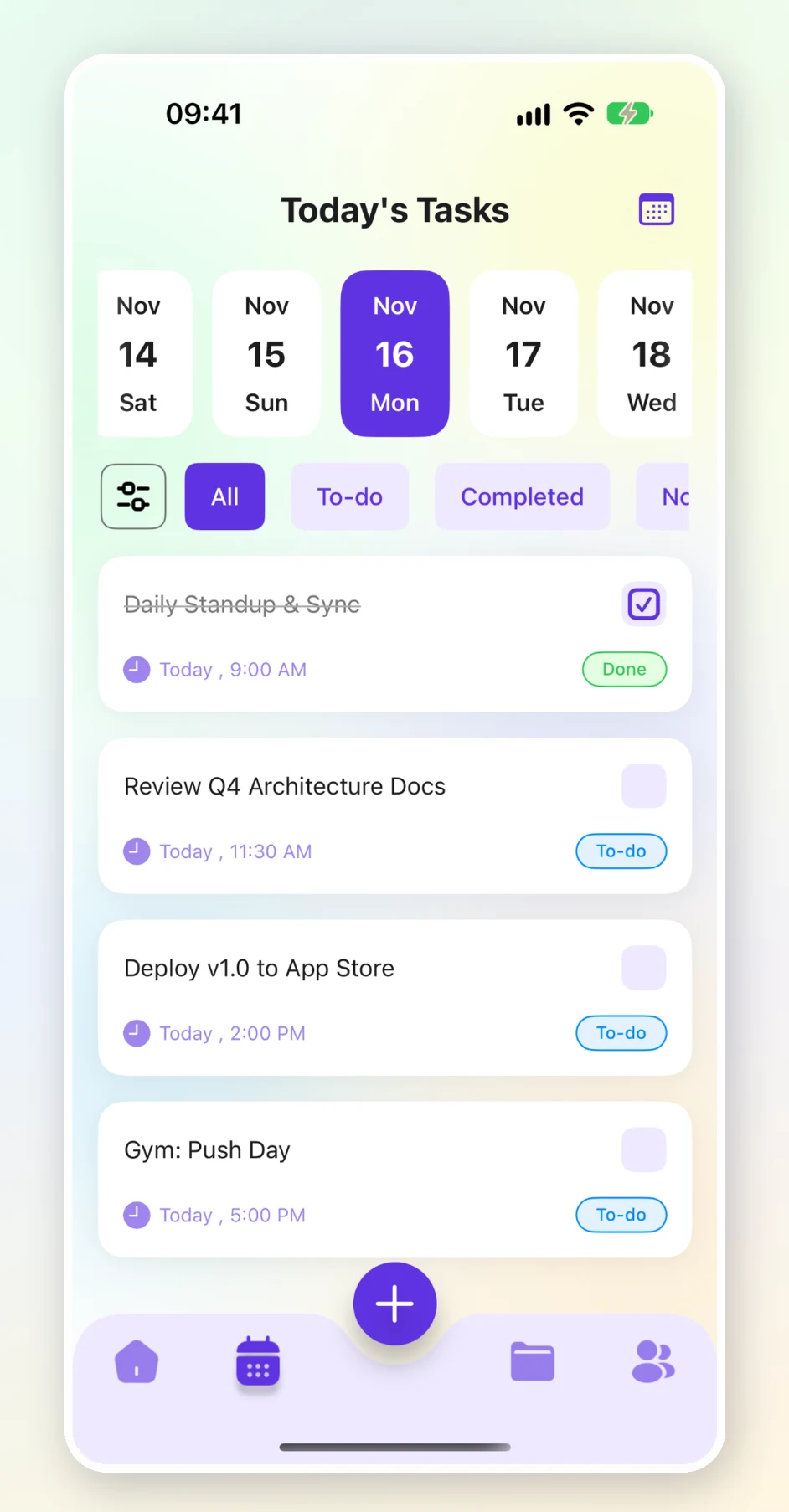
Explore featureMove across dates and filter tasks by status or priority.
Explore featureCreate personal groups and make them recognizable with icons and colors.
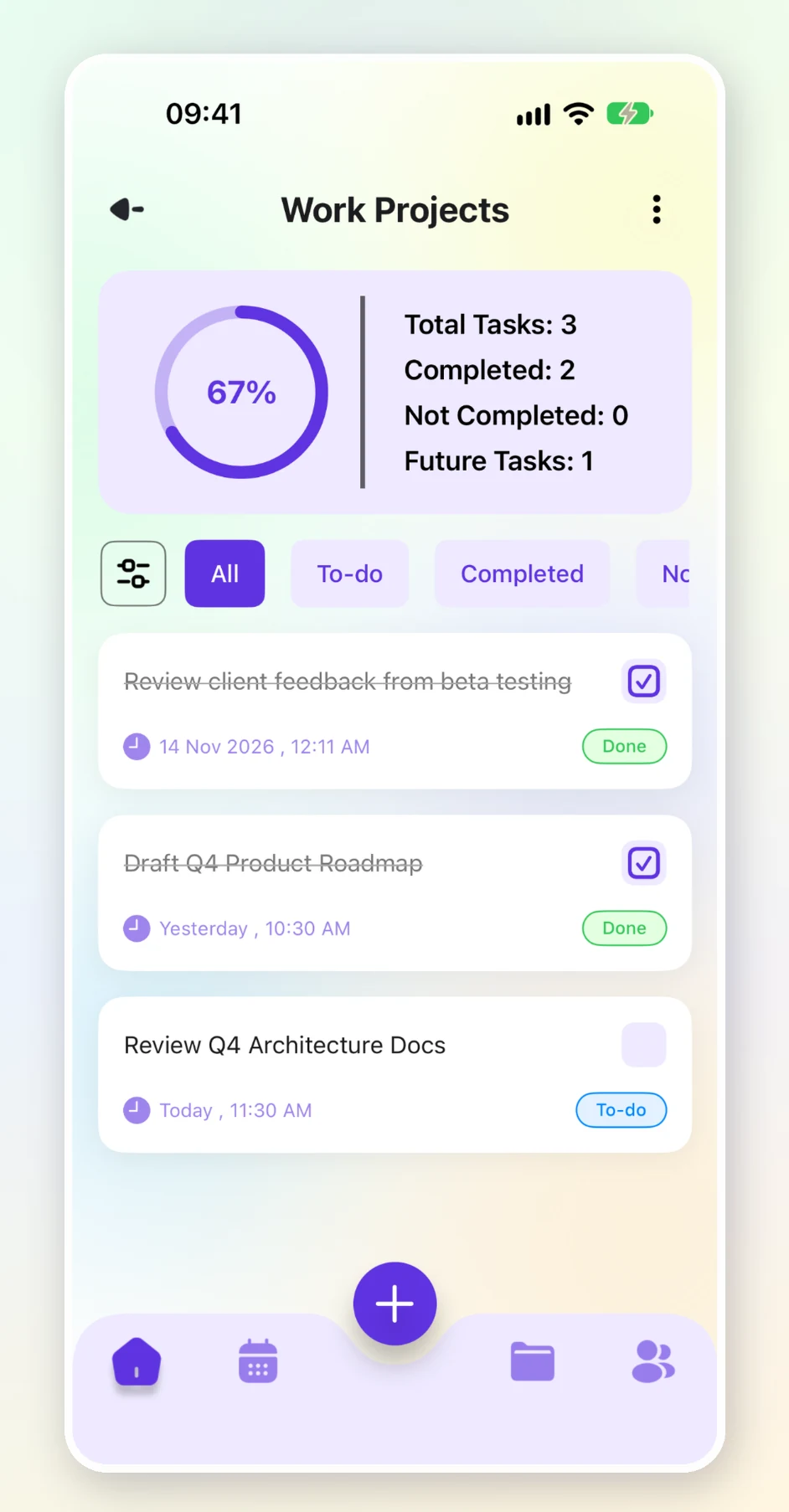
Explore featureUnderstand completed, overdue, and upcoming tasks in each group.
Explore featureOpen to a clear view of your day. See your progress, understand what is still pending, and sort tasks by time or priority when you need to decide what comes next.
Move through your calendar, select a day, and focus on the tasks scheduled for it. Status and priority filters help you find the right things to work on.
Create groups for work, personal projects, life admin, or everyday routines. Give each group its own name, description, icon, and color.
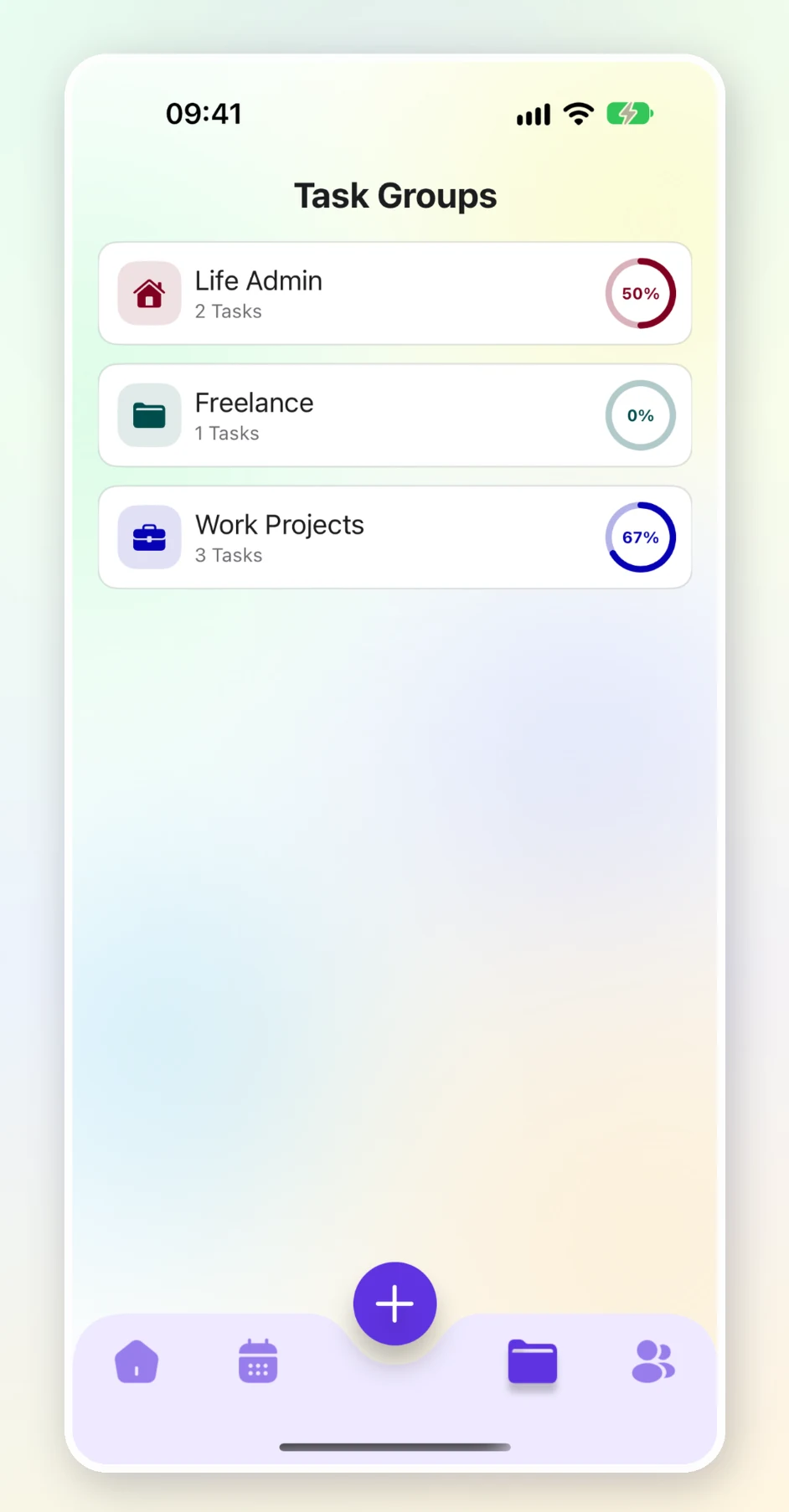
See how each group is moving with a clear breakdown of total, completed, overdue, and upcoming tasks. Your progress is easy to understand at a glance.
A straightforward way to turn a busy list into a clearer plan.
Start with the areas of life you want to keep organized.
Give each task a description, due date, and priority.
Use your home, calendar, and group views to see what is next.
Bring your plans together with Task Manager: Focus & Plan.
Coming soon to the App Store Designed for iPhone.